


The Original WordPress Agency
Crowd Favorite helped establish the blueprint for enterprise WordPress. Founded in 2007 by Alex King, one of the original contributors to WordPress, our team was among the first to scale the platform for complex corporate environments. Today, we continue to define how global organizations use WordPress as part of larger digital ecosystems, supporting enterprise initiatives for companies including NVIDIA and Campbell’s. For Campbell’s, Crowd Favorite created the enterprise architecture that enabled a full ecosystem of agencies to quickly create and maintain dozens of sub-brands across the company’s portfolio, while supporting ongoing maintenance and evolution over time.
Enterprise WordPress succeeds when it operates as more than a content platform. We integrate WordPress as a central hub within complex digital environments, connecting it to CRM, ERP, e-commerce platforms, and legacy internal systems that remain critical to daily operations. This approach eliminates manual exports and provides real-time access to operational data across teams and customers, allowing organizations to move faster, introduce automation and AI-driven workflows, and adapt without introducing new system complexity. Organizations such as Academic Partnerships achieved a 35% reduction in operational costs through platform optimization, while the United States Olympic & Paralympic Museum used WordPress-powered ticketing to enable remote visitor access during COVID, and Flock Freight reduced operational processing time by 30% through customized workflow integration.
WordPress becomes a connected part of the enterprise ecosystem, supporting real business workflows while allowing digital experiences to evolve without disrupting core operations.
Clients We’ve Powered with WordPress
- Campbell’s Brands: Created a custom WordPress framework for multiple subsidiaries, streamlining their digital presence under one efficient platform.
- Academic Partnerships: Delivered a 35% cost reduction by optimizing their WordPress-driven platform for higher efficiency.
- Olympic Museum: Built an online WordPress ticketing system, widely adopted during COVID to facilitate remote and safe visitor access.
- Flock Freight: Achieved a 30% decrease in workflow time by enhancing their operations through a customized WordPress solution.
Enterprise WordPress Services
Enterprise WordPress Development
Transform WordPress into a powerful platform capable of supporting complex, large-scale enterprise needs. With enhanced functionality, security, and scalability, your business can easily manage high traffic, advanced integrations, and custom workflows while ensuring a seamless user experience across all touchpoints.

WordPress Information Architecture
Simplify navigation and improve user experience by structuring your site’s content intuitively. Your customers find information faster, while your team manages and updates content with ease, ensuring consistent flow and reducing confusion or friction during customer journeys.

WordPress Scalability Performance Optimization
Experience optimal site performance during peak traffic times with the ability to scale effortlessly. You can ensure fast load times, enhanced reliability, and a smooth experience for your users, even as your digital presence and audience grow.
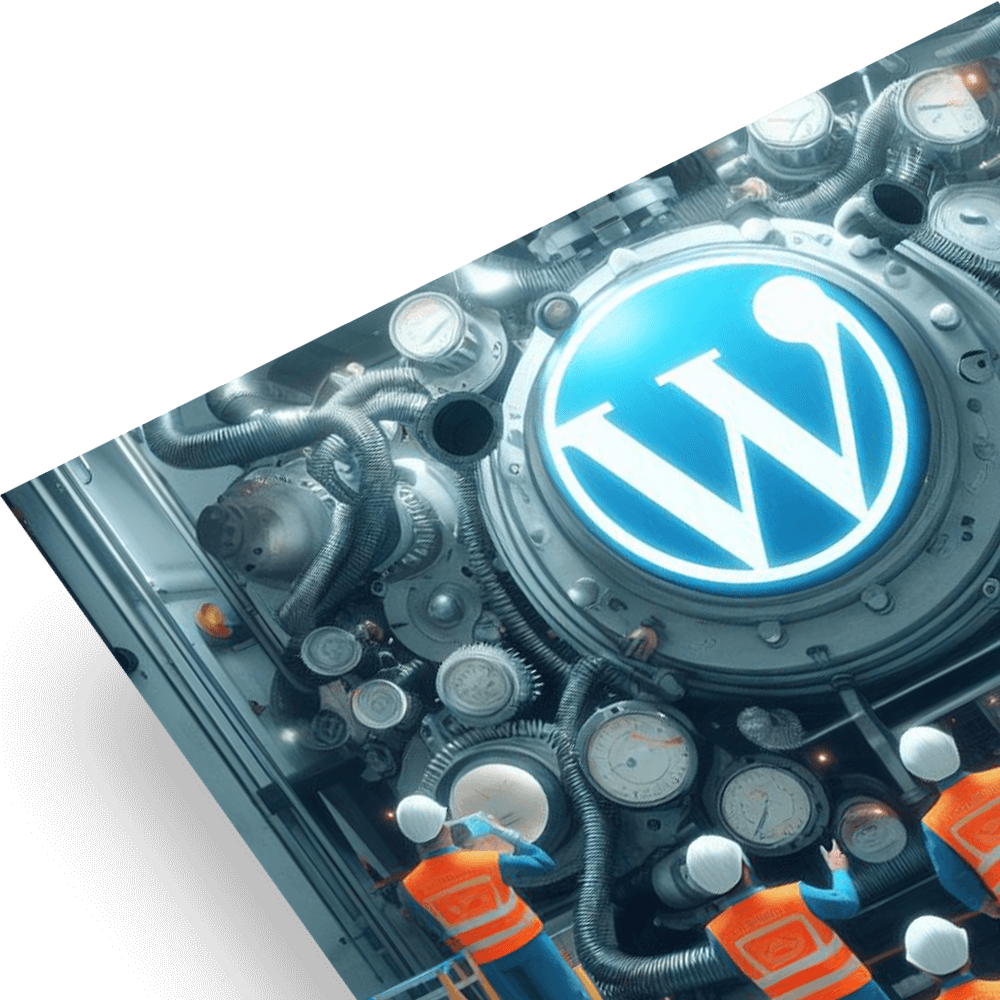
WordPress Website Audits
Get actionable insights into your site’s performance, security, and user experience. Identify and resolve hidden issues that may be affecting your digital presence, from performance bottlenecks to outdated plugins, ensuring your site operates efficiently and securely.
WordPress Customizations
Tailor your website to meet unique business goals without compromising on functionality or design. Customize features and workflows to create a seamless user experience that reflects your brand, delivering flexibility and usability.
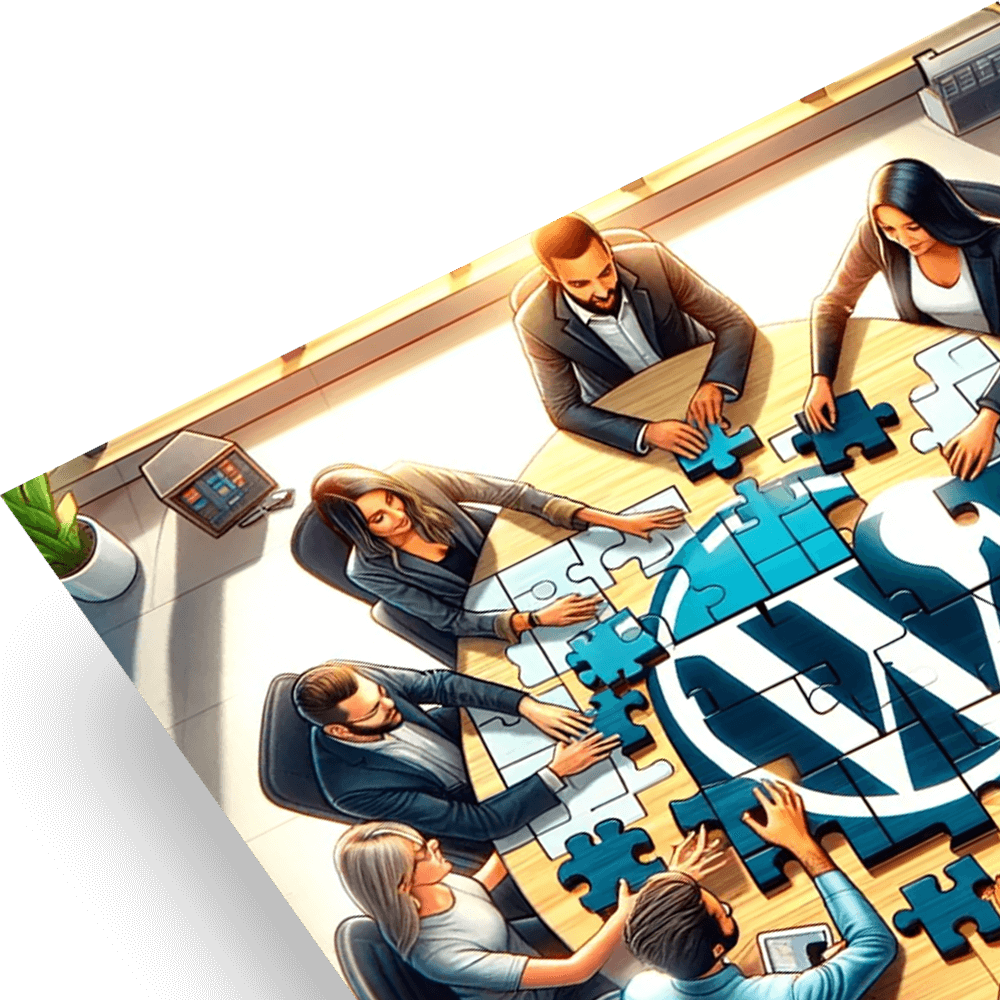
WordPress Integrations
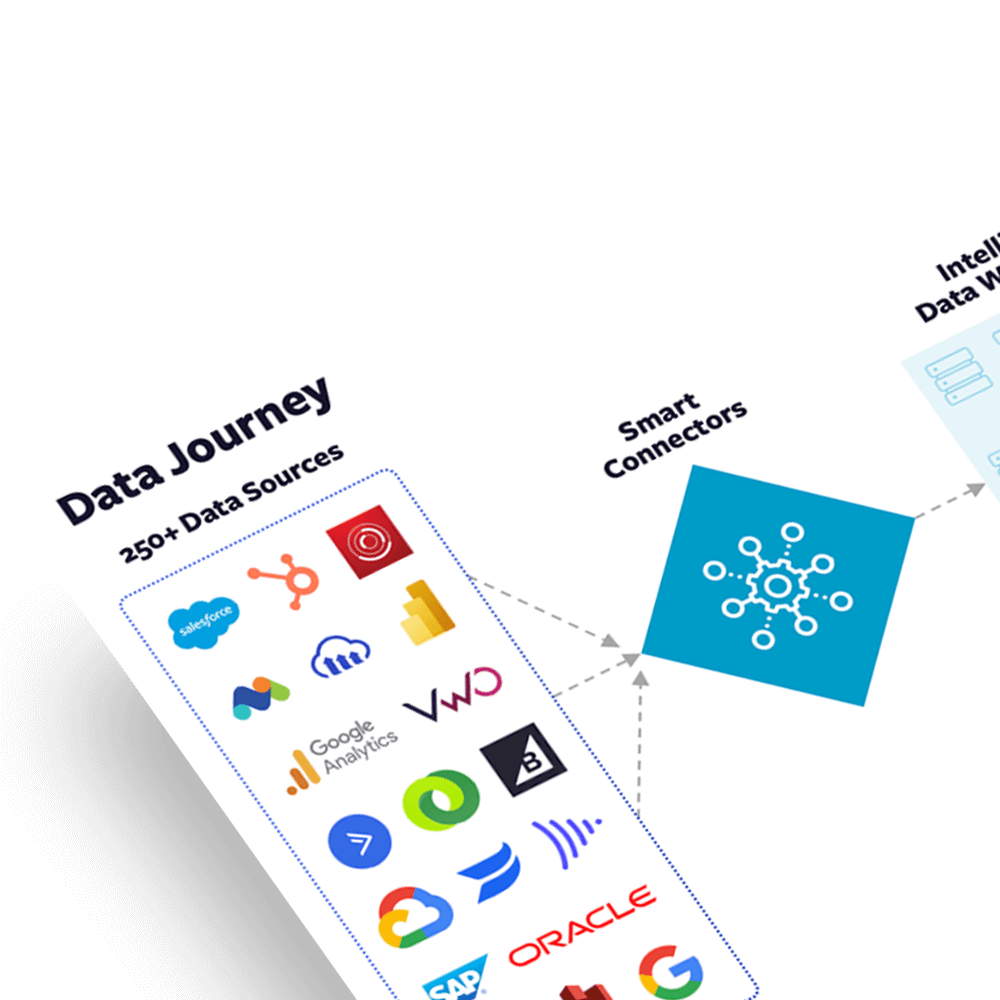
Streamline operations by integrating WordPress with your existing CRMs, ERPs, and marketing automation systems, enabling real-time data flow and empowering your teams to make informed decisions faster. This level of connectivity also reduces manual work, minimizes errors, and allows your business to scale more efficiently.

WordPress Migrations
Migrate your existing website from another platform to WordPress, preserving all content, features, and functionality. We ensure a smooth transition with minimal downtime, secure data transfer, and complete compatibility.
WordPress Custom Editorial Workflows
Simplify content publishing with tailored workflows that empower your team to work more efficiently reducing bottlenecks, improving collaboration, and ensuring faster publication cycles all without sacrificing quality or oversight.

WordPress Headless CMS
Unleash the full potential of your digital content by decoupling your CMS from your front-end. This gives the flexibility to deliver content across any platform or device, without compromising speed or user experience, adapting easily to changing customer needs.

WordPress Support & Maintenance
Maintain the health and security of your website with continuous updates and proactive monitoring. Your team can focus on growth while ensuring site stability, performance, and compliance with the latest security standards, reducing downtime and risks.

WordPress Emergency Response
Resolve critical website issues quickly, minimizing downtime and protecting your brand’s reputation. If unexpected problems arise, you benefit from immediate solutions that restore functionality and security, keeping your business operations on track.

WordPress Enterprise Deployments & Hosting
Deliver a seamless, enterprise-level WordPress experience with our comprehensive deployment and hosting guidance. From smooth, large-scale launches to secure, high-performance hosting through our trusted partners, we ensure your site is optimized for speed, scalability, and security.
Case Studies
From strategy to launch, we’ve already been where you’re going.
We are here to support you on your digital transformation journey.



Brands We Work With
United States Olympic & Paralympic Museum
Lexus
Nike
Campbell’s

AT&T

Nvidia

National Geographic

TopCon

Starz
Victaulic
LKQ Corporation

Janus Henderson
Nginx
Top Class Actions

Disney

Counter Culture Coffee

Microsoft
Ogilvy
Mozilla
Providence